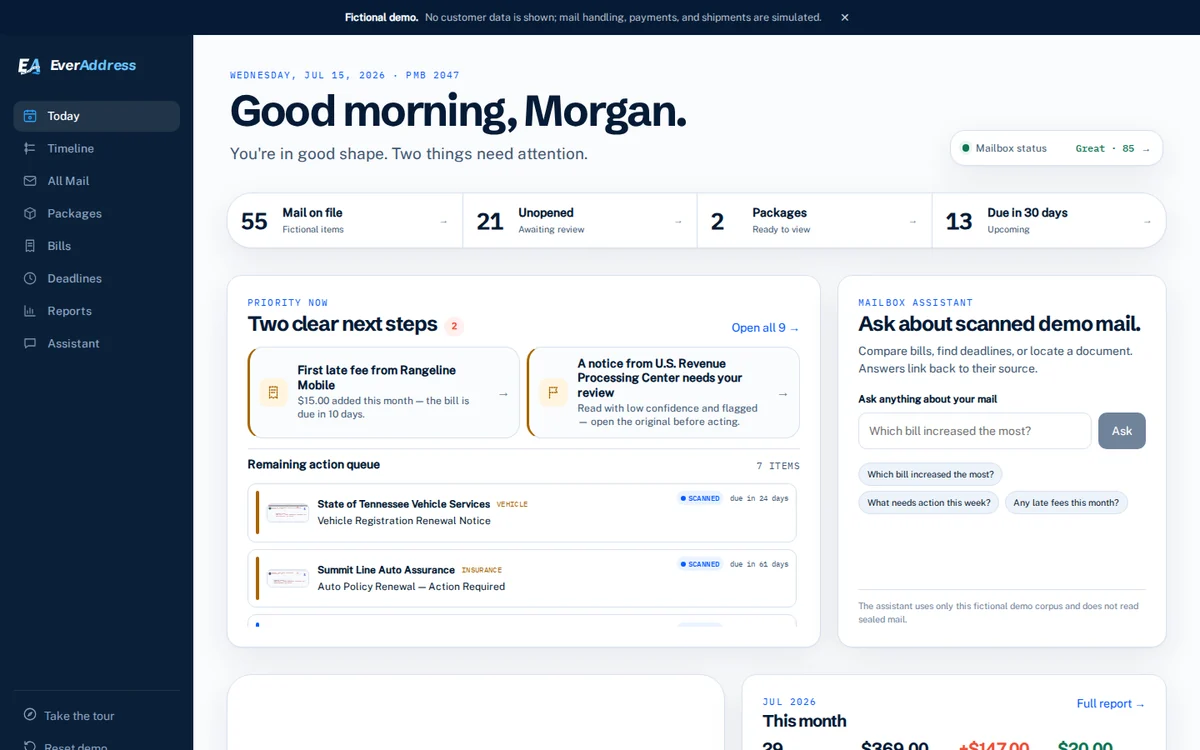
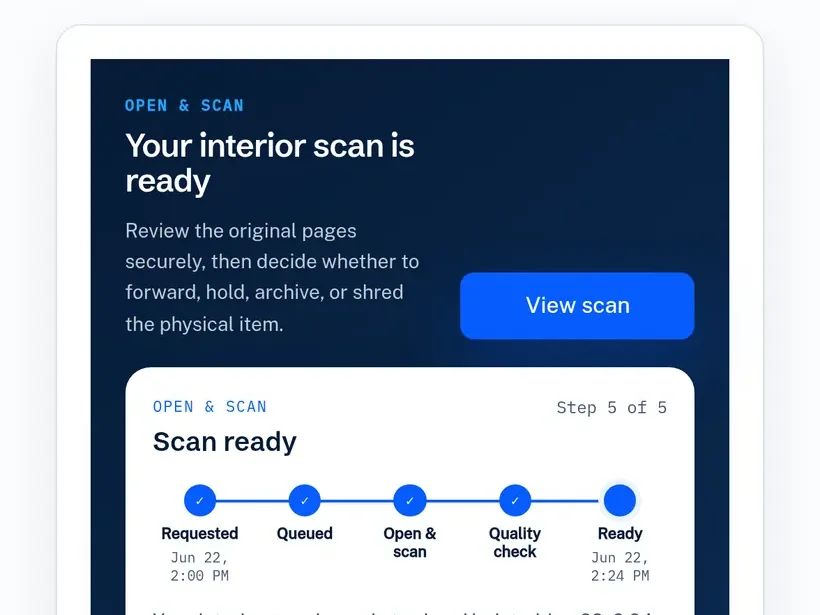
Open and scan
When open and scan is available, contents are opened only after your authenticated request.
- Request received
- In the scan queue
- Opening and scanning
- Quality check
- Scan ready
How EverAddress works
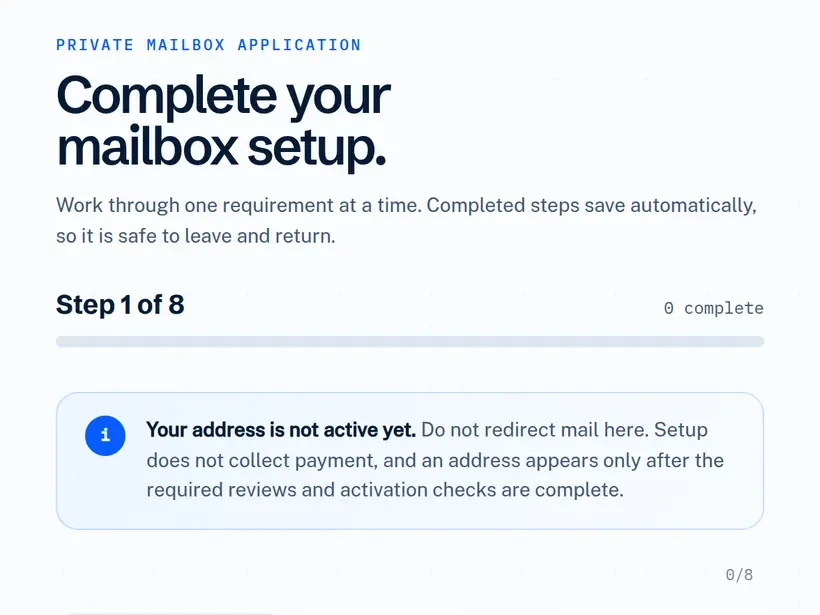
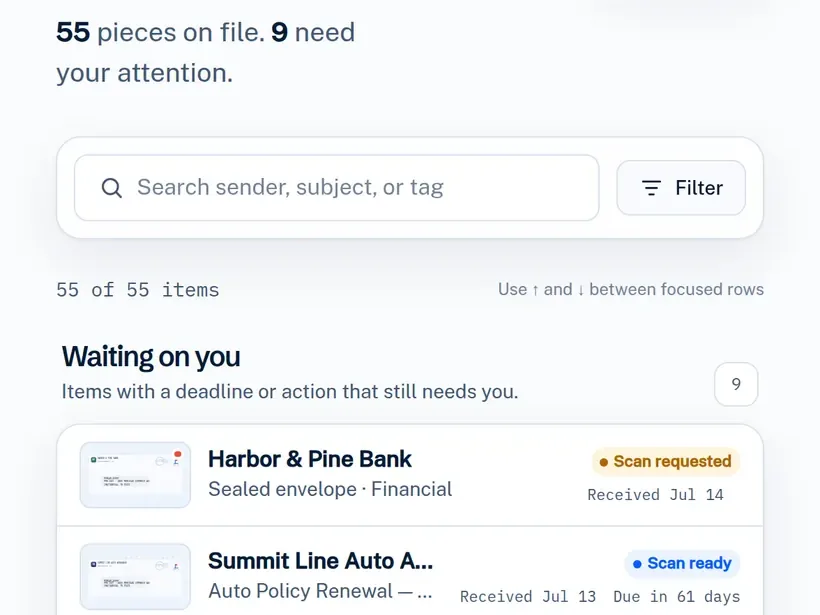
Once your address is activated, eligible mail is checked into your online mailbox with an exterior image. Review what arrived, choose an available action, and follow its status from anywhere.
The interactive demo uses fictional sample mail and simulated staff actions.
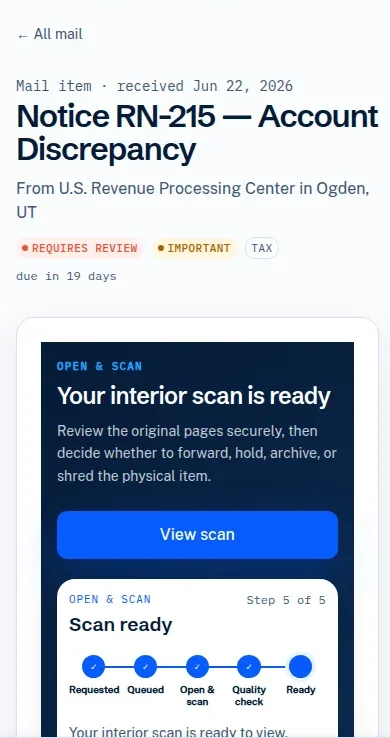
Choose a plan, verify identity, and complete PS Form 1583.
Staff match eligible mail to your active account.
See the actions available for that account and item.
Your dashboard updates as staff completes the work.
One clear path
Your dashboard connects the physical item to the instruction you gave. See whether your address is active, what arrived, what you can do next, and where each request stands.
01Before mail arrives
Choose an eligible plan, add recipients, provide current identity evidence, and complete PS Form 1583. Your address and PMB appear only after required review, availability, final terms, and activation.
02After activation
For an active account with check-in enabled, staff match eligible mail to an approved recipient and PMB, photograph the exterior, and publish it to your dashboard. The contents stay sealed unless you request an available open-and-scan action.
03Your instruction
Choose from the actions available for that item and account. Any applicable service price, postage, handling, and terms appear before you confirm. Then the dashboard advances as staff completes the work.
After you choose
After you confirm an enabled action, the dashboard follows the people and physical work behind it.
When open and scan is available, contents are opened only after your authenticated request.
Review the destination, supported method, postage, handling, and total before confirmation.
These post-activation paths explain status, not a turnaround promise. Tracking appears only when a carrier provides it.
The operating standard
Physical mail is handled by people, not instant automation. The account reflects the current state without pretending the work has already happened.
See the security boundariesAn enabled scan workflow opens contents only after an authenticated customer request.
Customer-visible updates follow completed staff handling steps.
Applicable service price, postage, handling, and total are displayed before a request can be submitted.
Registered CMRA
Registered with the Post Office responsible for delivery as a Commercial Mail Receiving Agency.
USPS does not endorse, sponsor, or certify EverAddress. Address acceptance varies by institution and jurisdiction.
Explore the interactive dashboard with fictional sample mail, or start setting up your address.